
How to connect my MT4 or MT5 to Copygram?
Edited
Step 1 : Add your MT4 or MT5 in Trading accounts section
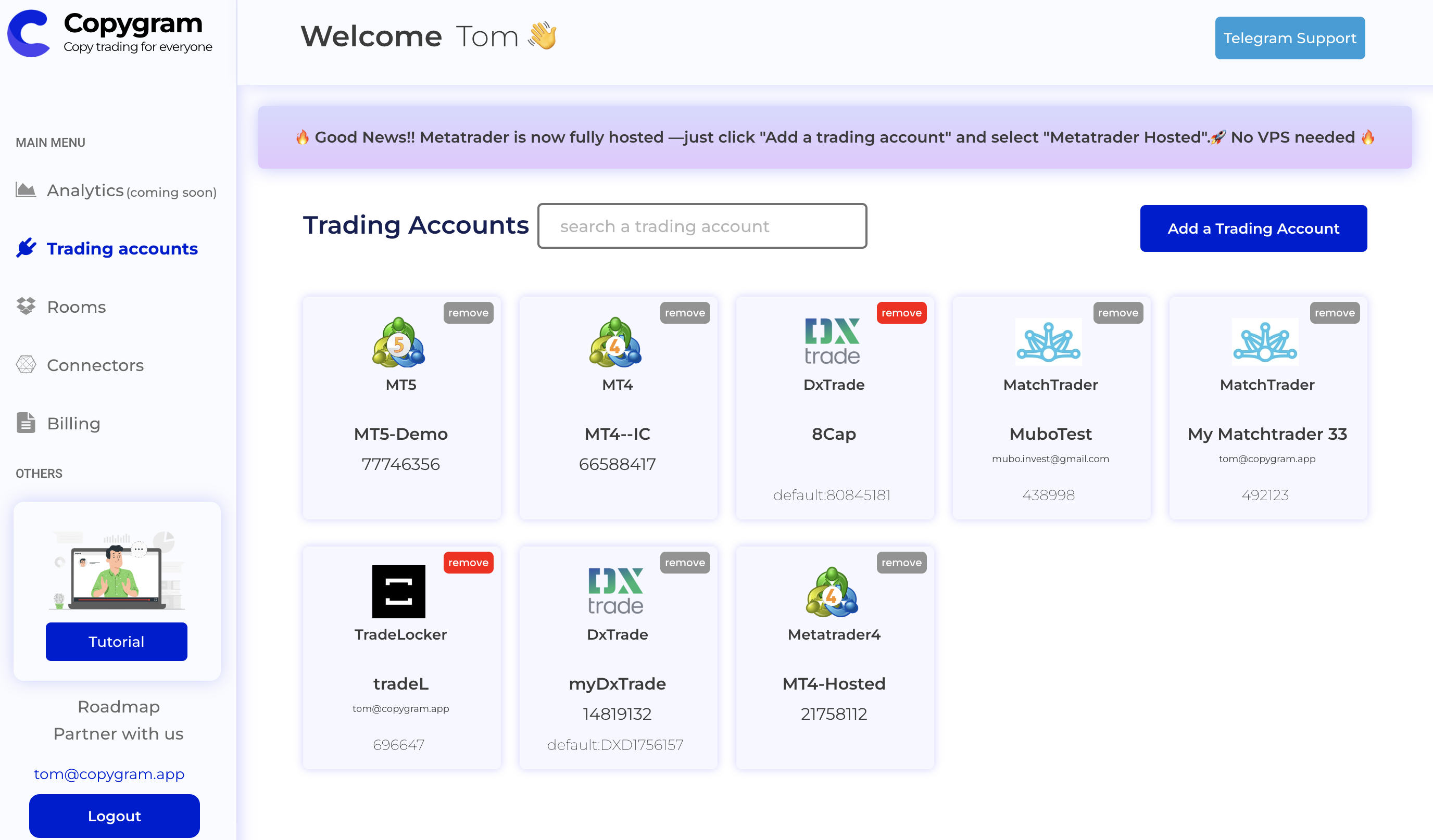
Go to trading accounts Page
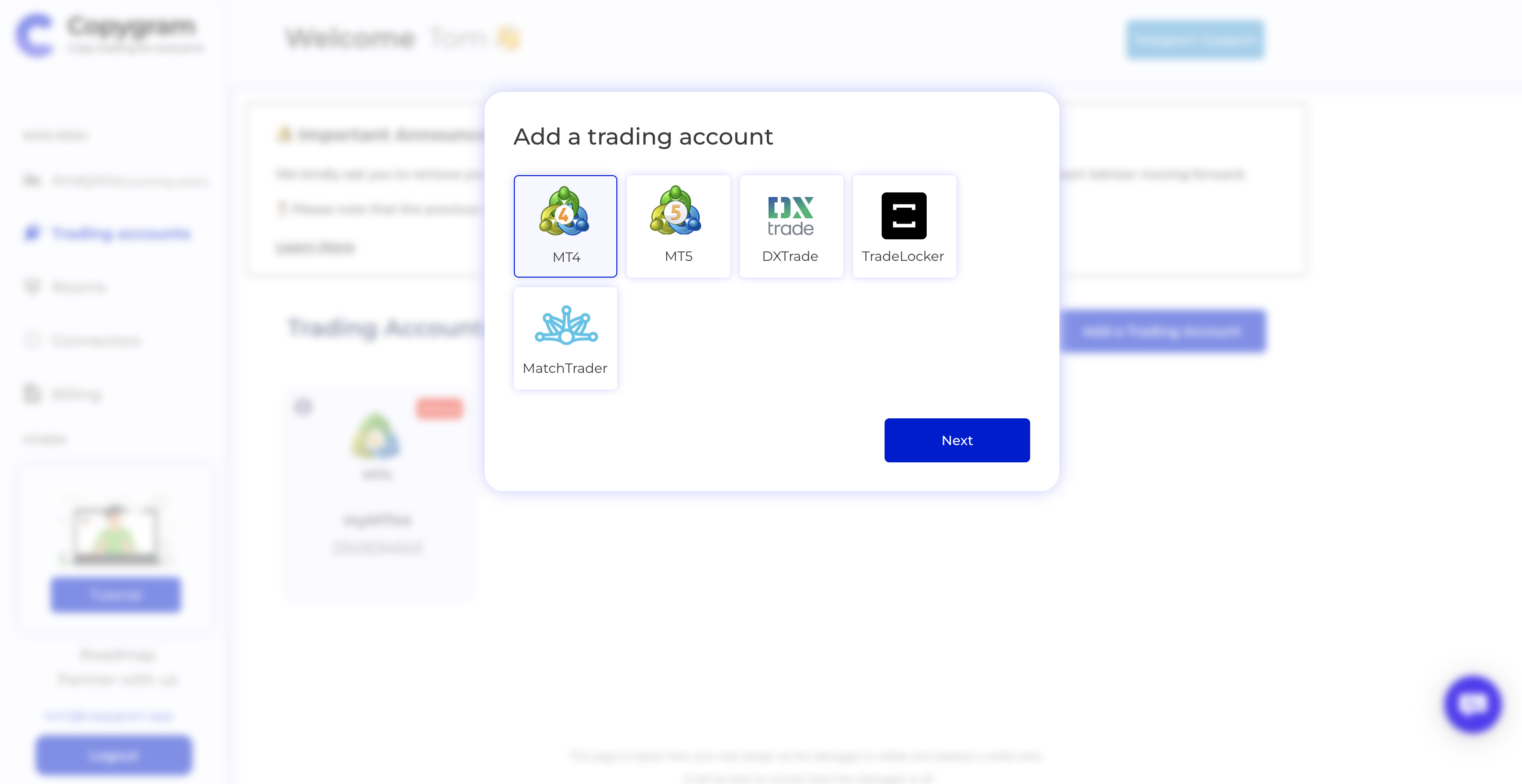
Select Metatrader 4 or 5
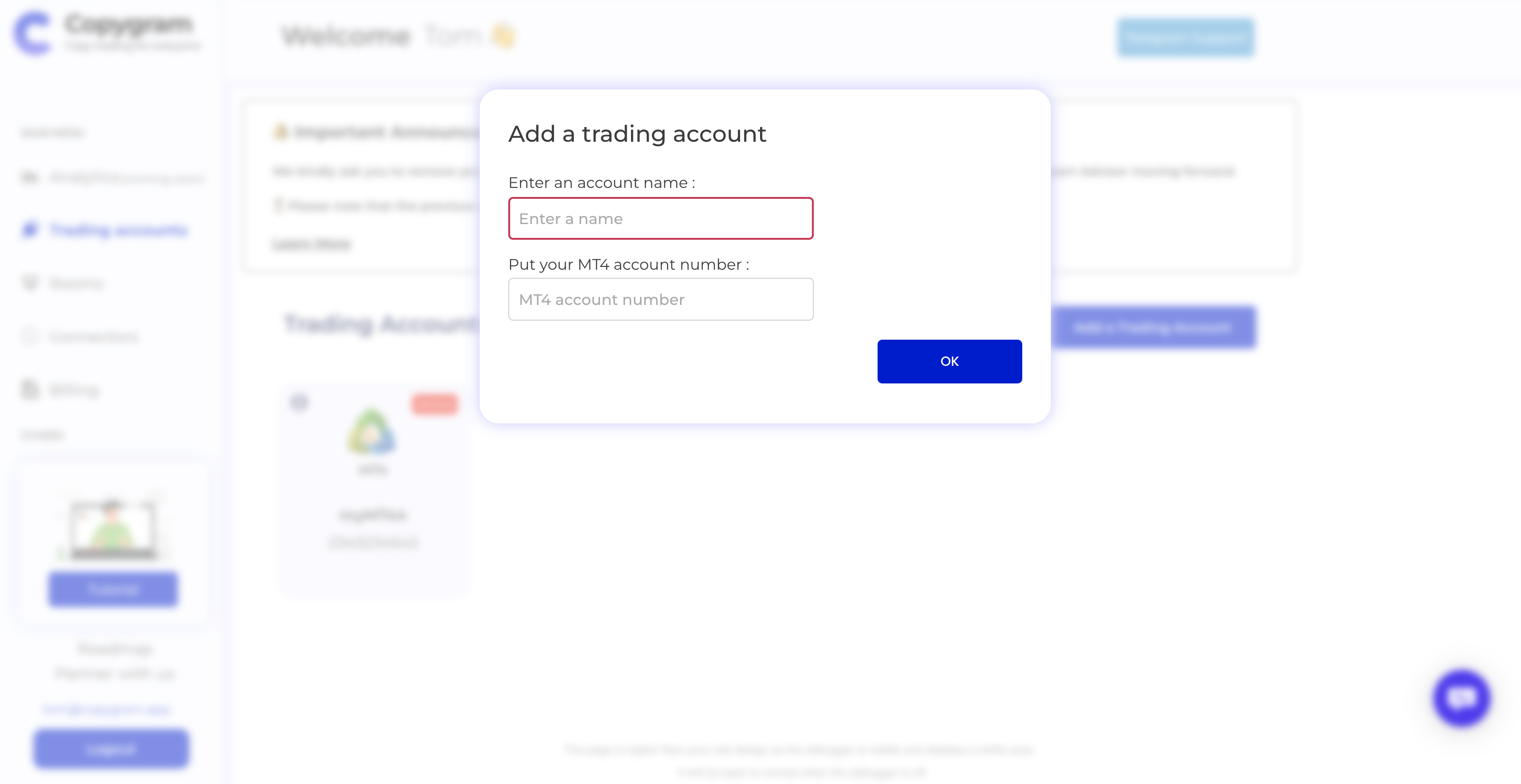
Enter your Metatrader Credentials
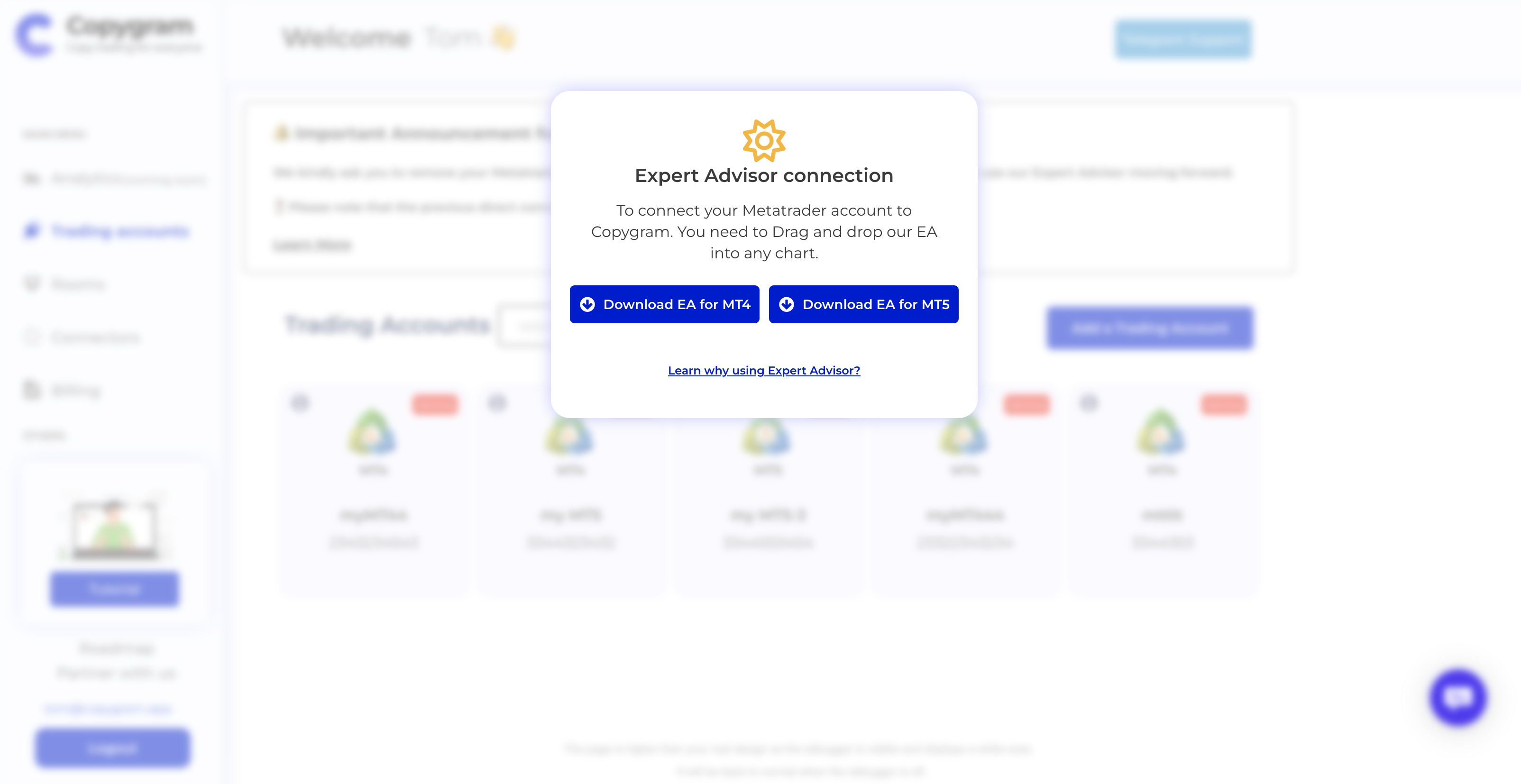
Download our EA for MT4 or MT5
Step 2 : Open your Metatrader and Make this Setup
Before Loading the Expert advisor on a chart, you need to make these steps in Metatrader:
1 - Add this URL : new : https://apiv2.copygram.app (old https://api.copygram.app)
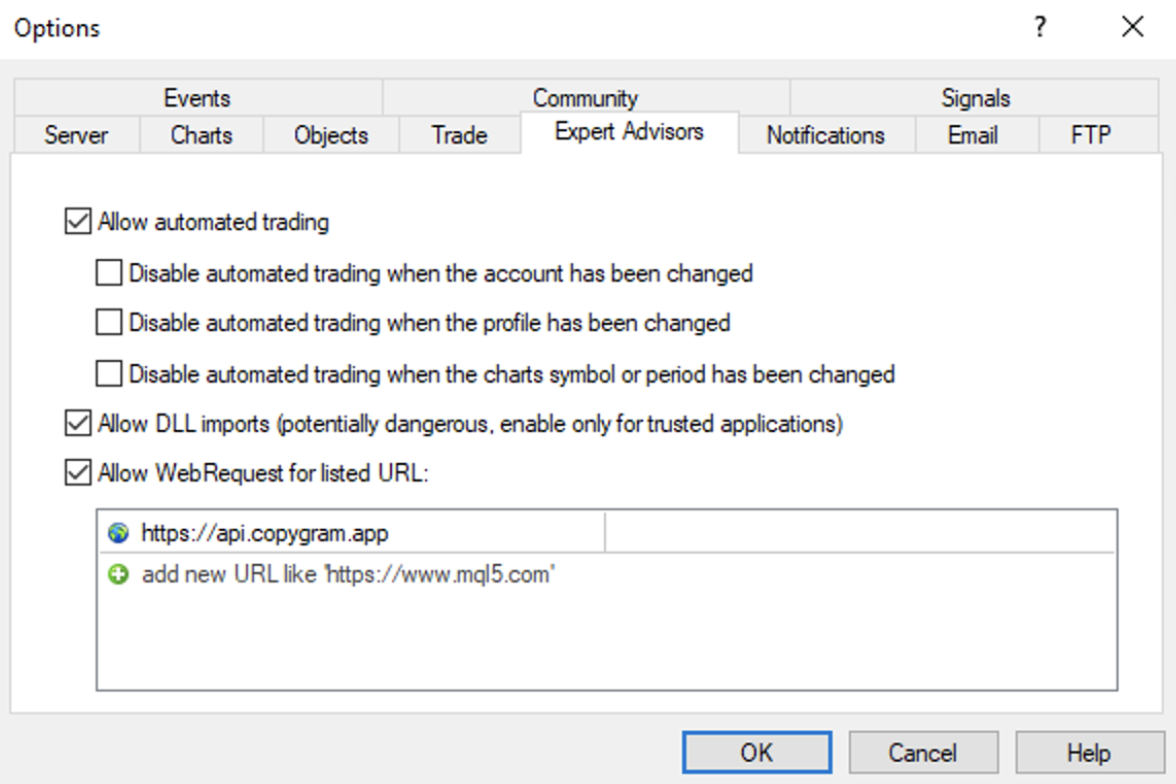
Tools -> Options -> Expert advisors -> https://apiv2.copygram.app
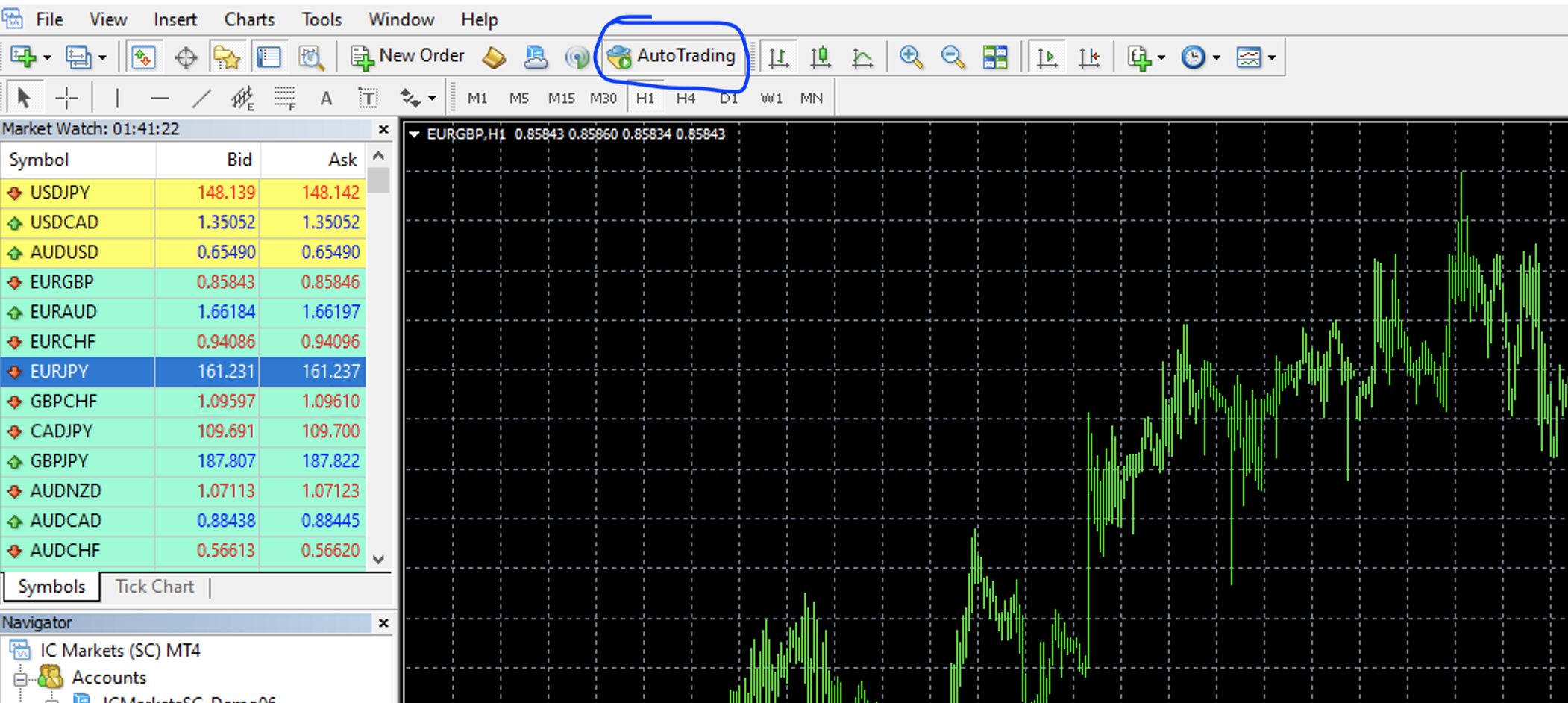
2- Activate Auto-trading
Put Copygram.ex4/ex5 in Data folder -> MQL4/MQL5 -> Experts
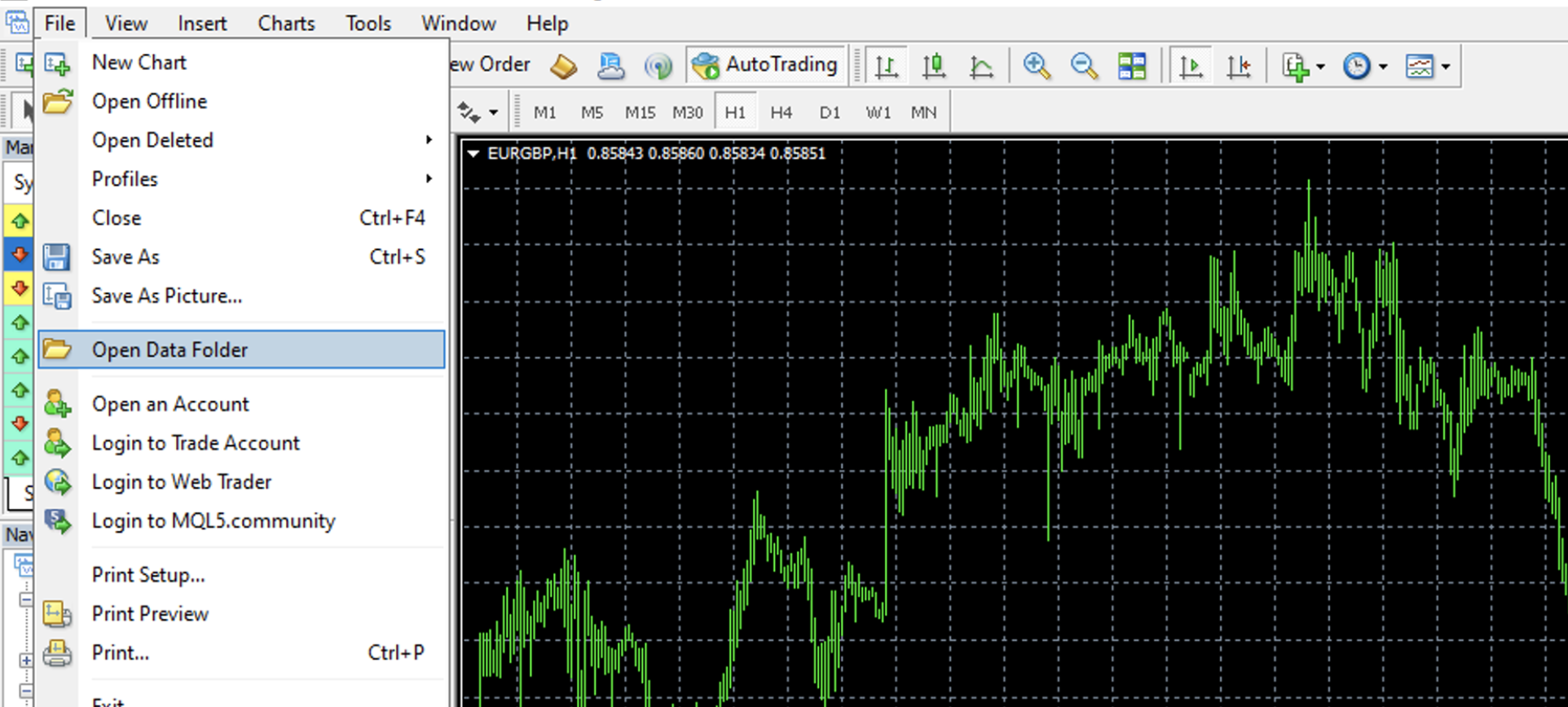
Put Copygram.ex4/ex5 in Data folder -> MQL4/MQL5 -> Experts
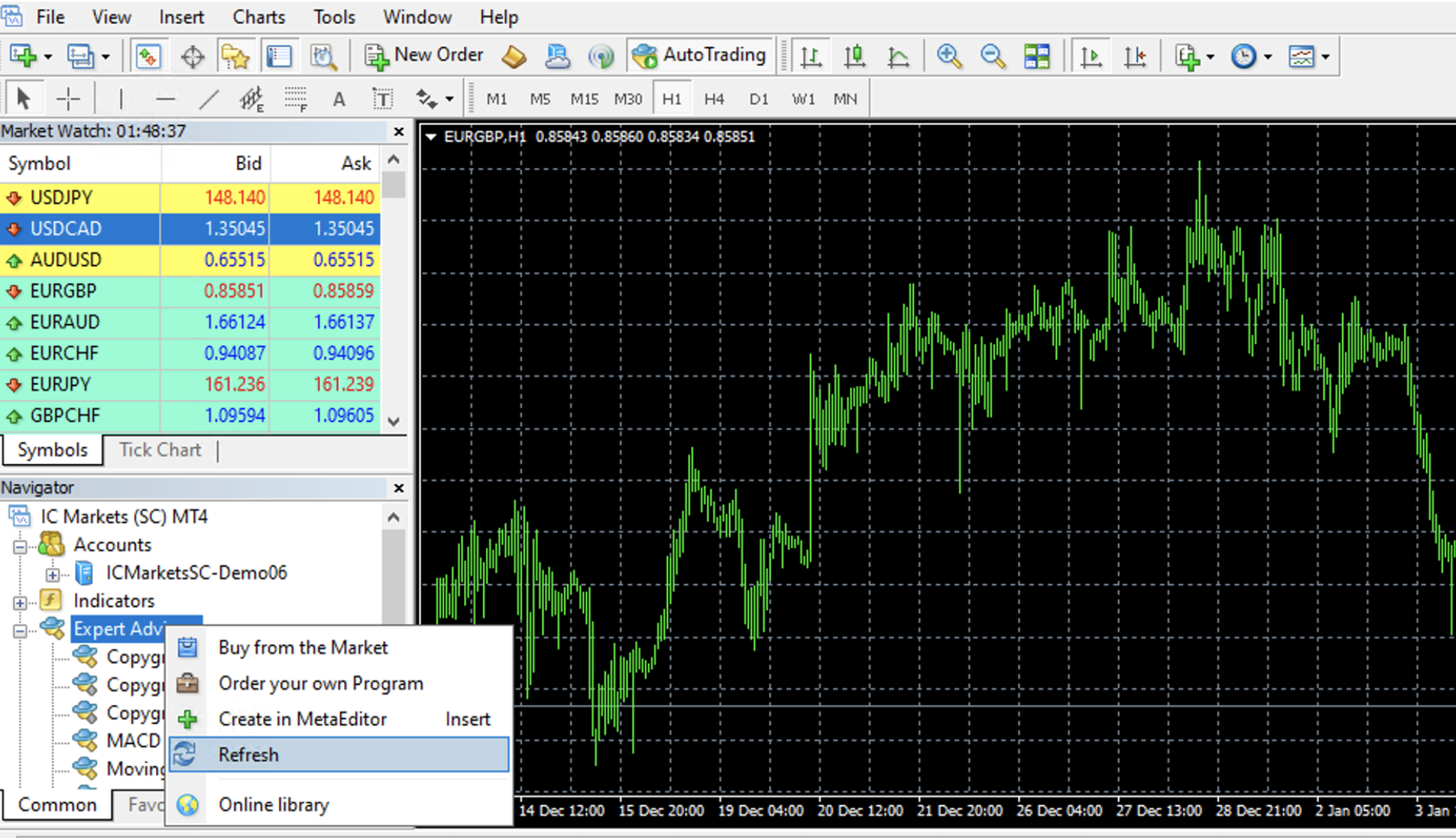
Click-right on Expert Advisors and then "Refresh". This will show the Copygram EA in the Navigator.
Step 3 : Load the Expert Advisor on any chart
You don't have to load the EA in every symbol. Just load it in one chart. It will execute all signals of all type of symbols.
That's it 🚀.